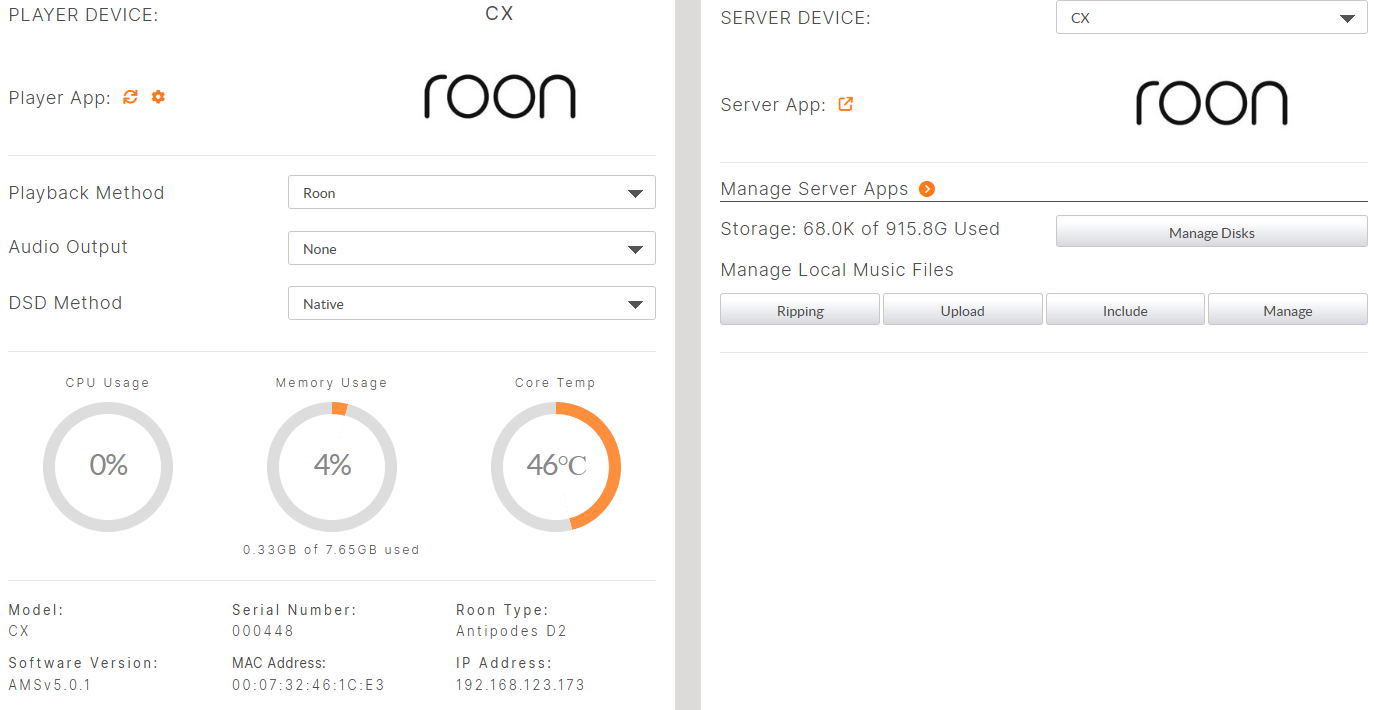
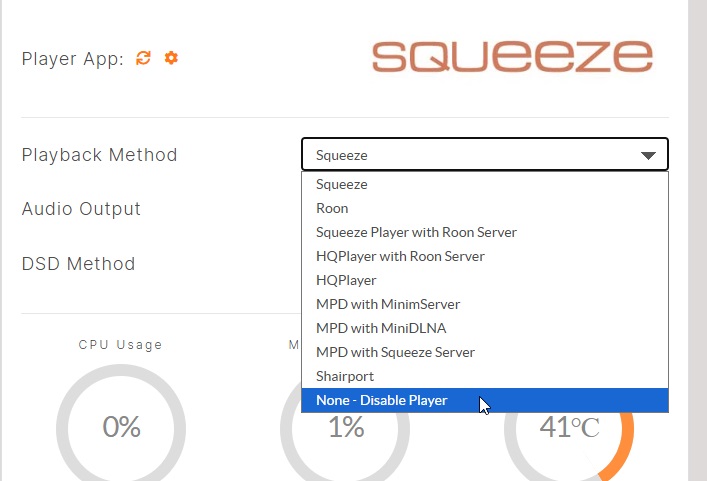
I have a CX running as a Roon server that is connected via Ethernet to a Bricasti M3 DAC with the network option running as a Roon endpoint. Looking at my CX dashboard, it shows the Player configured as Roon, but there is an option to set it to None - Disable Player. Since the CX is only a server, should I disable the Player? Below is a pic of the dashboard:
Thanks for the quick response Mark. I suppose I could have just tried it, but thought it worth asking.
1 Like
I disabled the Player on the CX, but now Roon client software on my PC and my iPhone cannot find my server. Once I re-enable the Player on the CX, my client software can connect again. I suspect it makes very little difference that the Player is enabled on the CX, but it seems to make sense that it does not need to be enabled since the Bricasti is acting as an endpoint. One thought, I am connecting the Bricasti directly to the CX via the extra network port and not using an intervening switch, maybe the Bricasti endpoint is not visible on the network if the CX does not act as a bridge?
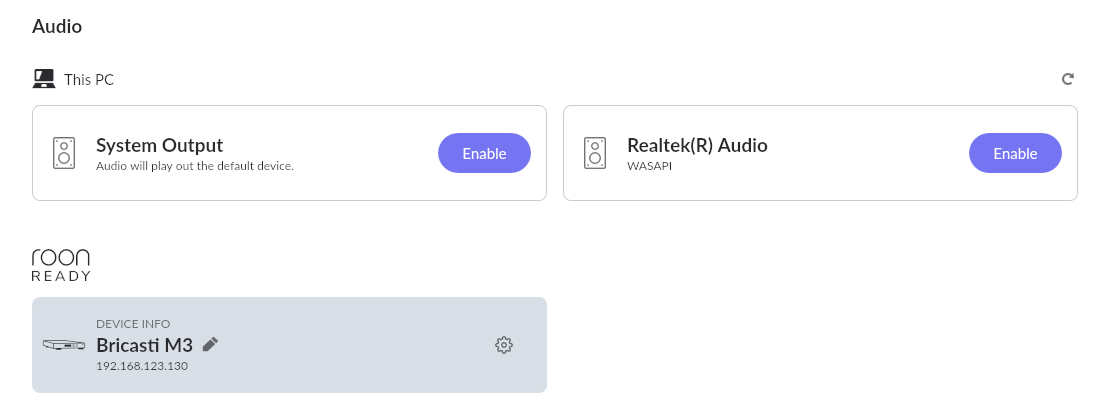
What is displayed on Roon’s audio setup page should provide insight into what’s going on. An audio output should vanish when the player is disabled on the CX. But there should be a separate output representing the Bricasti that remains enabled and is the output target for playback in Roon.
If I Disable Player on the Playback Method on the dashboard, the screen changes to:
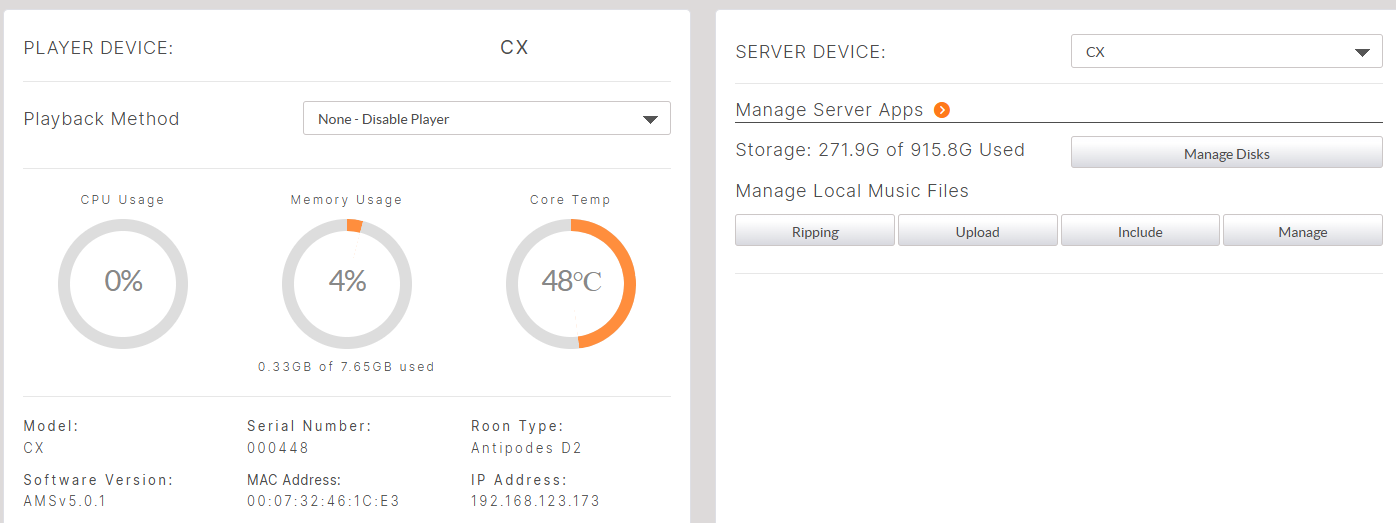
At this point I can no longer connect using the Roon client app on either the PC or iOS. If I re-enable it, and run the app, yes, the Bricasti is listed as an available playback device.
Scott
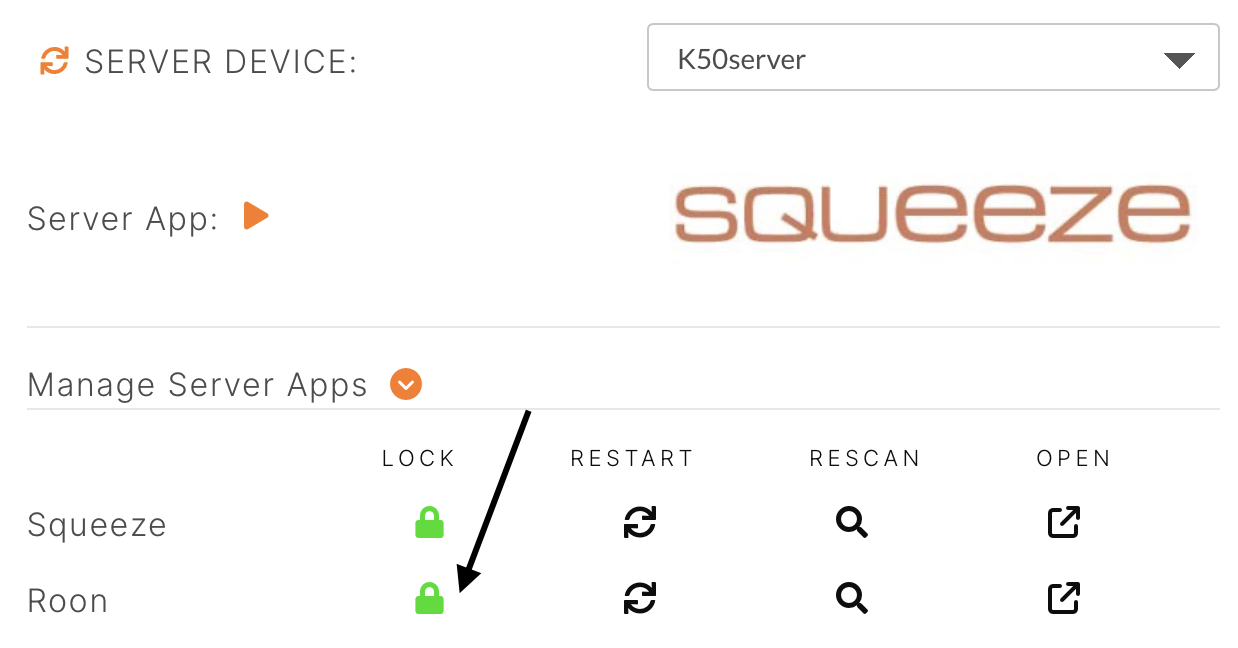
That was it! As soon as I disabled the player, the Roon Server App stopped running. I started it, the Player remains disabled, and I can connect using the clients. Thanks!
The small orange arrow that opens Manage Server Apps is a bit understated. Since I rarely use this dashboard, I had not thought to click it. Had I seen the list I would have known that Roon server was not running.
1 Like
That preset should have left Roon server running, but it seems that it gets confused at times. The locks come in handy in that case - though of course one must know they exist.
The AMS dashboard has improved tremendously since AMS 3, which was my first experience with Antipodes. It should get even better.