Similar problem. I can access and control the server via its IP address. But in both Safari and Firefox, if I try to access the dashboard via my antipodes or Setup, I get the following window. Server is inaccessible, all apps are locked (in Manage Server apps), and storage shows as ‘not available.’ This only started today - until last night everything worked fine going to the Antipodes web site and then ‘Setup’. VPN, as always, is off.
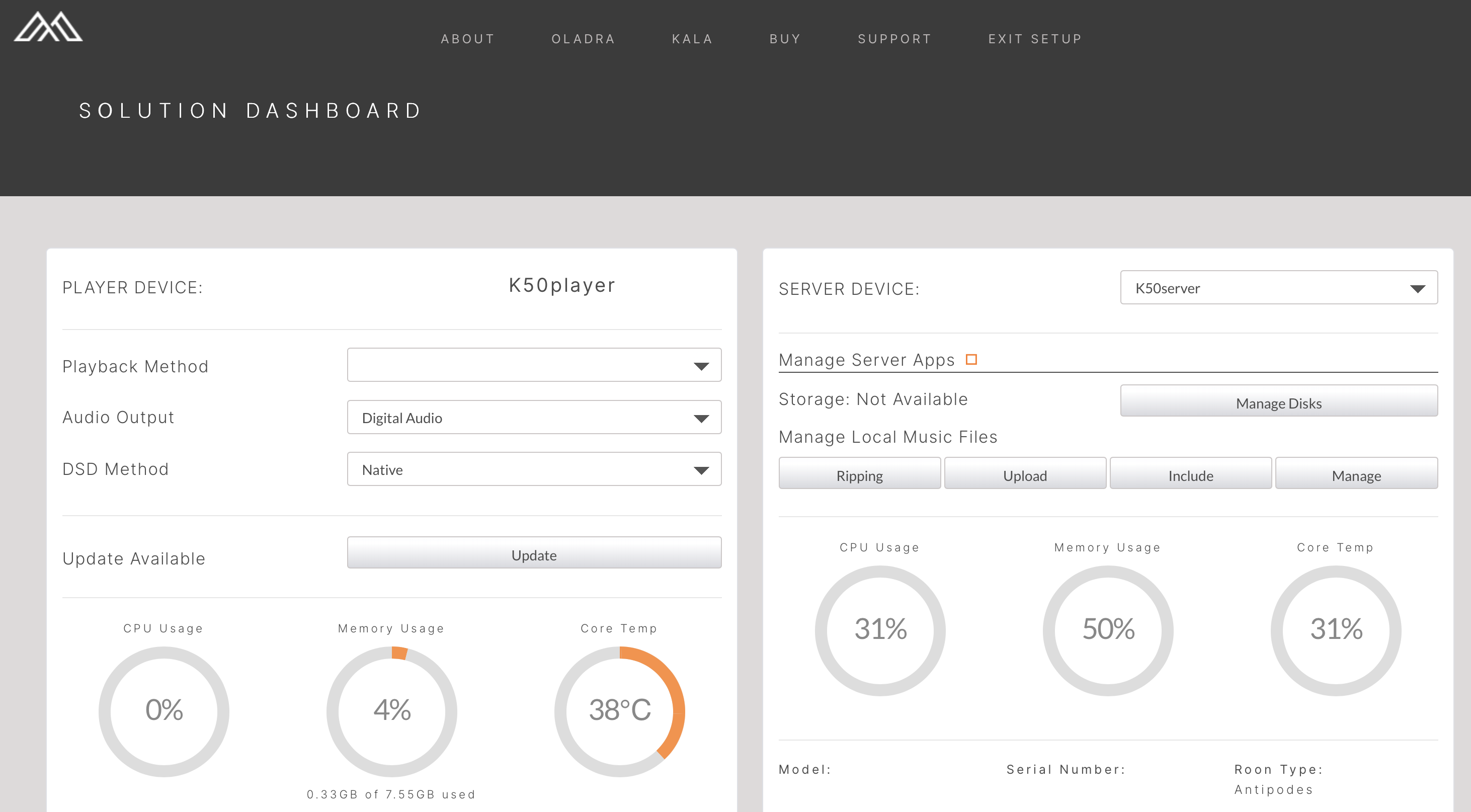
Hi there, this isnt an issue caused by the site update, the issue you have is a corrupted dashboard .php file.
We need to remote into the device and run the script fix.
To book a remote, you will need to create an account on Circle, and register your device.
Once you have done that click on “Assistance” and follow the instructions.
Thanks Mark. Will do.
Hi Mark, I take it that the issue I’m seeing (pasted below) is not the same as this? Or is it potentially also a corrupted dashboard .php file?
No, that looks like a network issue.
Is the remote device on the same network?
Do your Antipodes devices show in your router IP tables?
Any recent network changes?
Apple Relay or VPN enabled?
If your devices are in your router IP tables, book a remote support session via Circle
Hi Mark, happy to set up a support session if you’d like to poke around. I can access via IP address and with the MyAntipodes app, just not with http://myantipodes.com/ and https://antipodes.audio/setup, both of which worked perfectly fine prior to the website change.
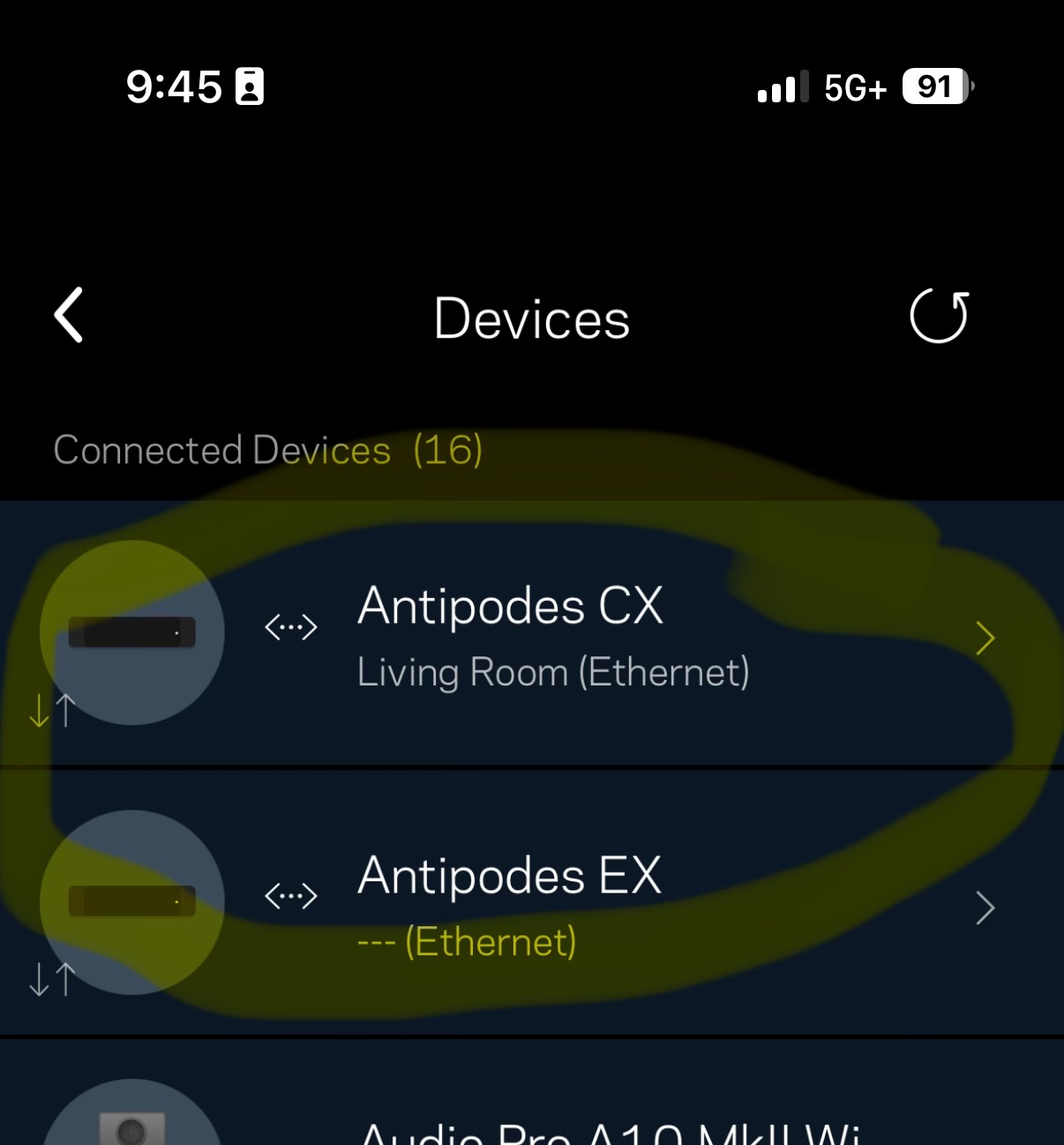
My network has the ISP modem / router in Bridge Mode, and a Linksys Velop is in use for all Routing. The CX & EX are connected to the Velop.
To answer your questions:
Is the remote device on the same network? Yes
Do your Antipodes devices show in your router IP tables? Yes, see pic attached.
Any recent network changes? None
Apple Relay or VPN enabled? No VPN used, Apple Private Relay not in use. I will check when I get home to see if there is any sort of Wifi Private Relay in place…
@desbiss Hiya, book a remote so the team can look at your specfic issue
Will do, thanks Mark.
There doesn’t appear to be any sort of Wifi Private Relay in place for my Mac, which cannot access http://myantipodes.com/ and https://antipodes.audio/setup .
The iPhone and iPad do have “Private Wi-Fi Address” set to fixed, which from what I can tell pertains to their MAC address, nothing to do with IP… They do have “Limit IP Address Tracking” on, not sure if that’d affect things.
@desbiss nTry turning off Limit IP Address Tracking is this within Safari, have you tried another browser?
Hi Mark. Same results occur with both Chrome & Safari. I also tried the Limit IP Address tracking, which is a setting on the iPhone & iPad only in relation to our home WiFi, (not an option on the Mac). Same result there though. I have time set on Thurs to connect with the Antipodes team. Cheers
Same here. But just now I managed to get both EX and CX in one dashboard again.
In my case my router has ipv4 and ipv6. I can’t switch off ipv6 as I used to do some years ago.
Alternatively I could set ipv6 on ‘stateless’ instead of ‘statefull’. After relaunching the EX dashboard I could suddenly see and choose the CX as server. Restart the server part in this dashboard (maybe twice) and it all works again.
1 Like