Today I wanted to create a new folder on my K41 under the storage folder and got a message it is read-only. I do not know what happened but until now i was always able to add files and folders.
How can I fix this?
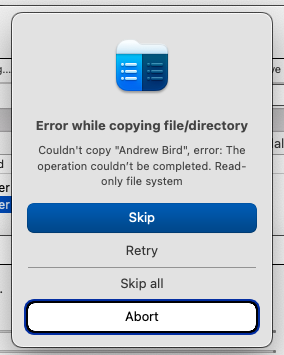
It looks like the permissions on the device have changed.
I assume you are on a MAC?
Hi, thanks for that. I decided to restart the K41 because I found the behviour quite strange. Somehow that seems to have fixed the issue.
After that I found that I had some ‘vanished files’ and I/O errors. I would like to maybe do a feature request to enable checking harddisk integrity on the Antipodes. I removed the files that gave I/O erros but I do not know what the problem was
The problem with read-only filesystem is recurring. When I have new files I copy them myself to the K41. After some time the read-only filesystem pops up.
Restarting the K41 always solves the problem temporarily until it occurs again.
Any advice on what I can do?
Book a session with the team to check permissions and drive integrity: