Hello,
I am running a K40 as a server and a K21 as a player. In the playback method of the K21, I have now specified the HQ Player with Roon Server. As soon as I want to configure the HQ Player, I get the message:
“Please log in to access this website. Authorization requested by http://192.xxx.xxx:8088
Your connection to this website is not secure.
Username:
Password:”
What also confuses me is that the IP address specified, http://192.xxx.xxx, is not that of the K21 player, but the address of the K40 server. What went wrong? Does anyone have any ideas?
Kind regards,
Kurt
HQPlayer server is running on the K40 so the HQPlayer configuration page will be hosted at the K40’s address. The default username and password are both admin.
Hello Ken,
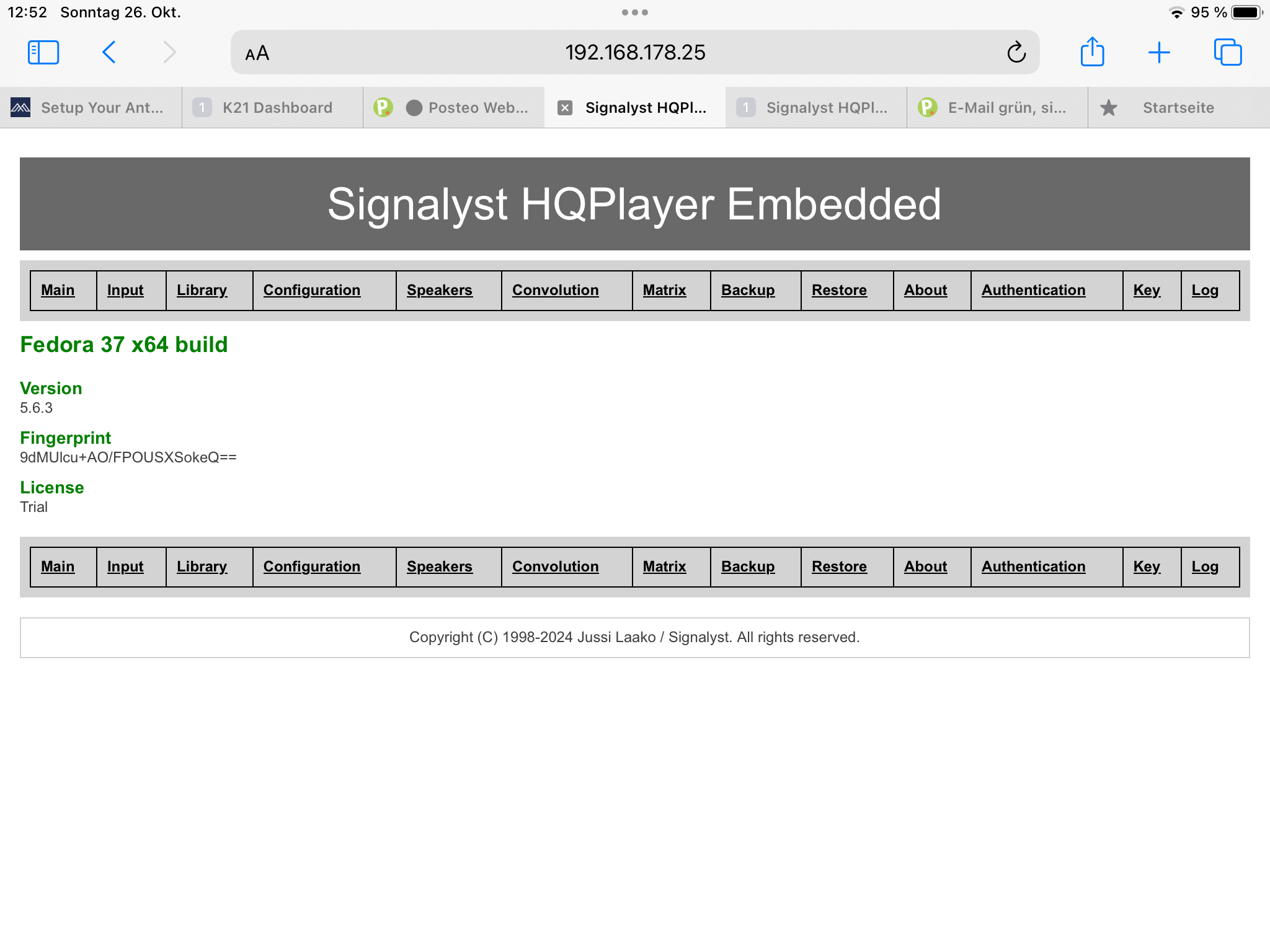
Thank you for the explanation. I have now entered everything about the K40. I set up HQ in Roon and entered the correct passwords. The HQPlayer page has also opened. It is the page shown in the following link:
Hello Ken,
Thanks for your reply. I won’t bother Antipodes Support with my problem. It’s not that important. If the guy from Finland has created an HQPlayer that can’t even handle the configuration, then I’ll just keep my money. The combination of K40 and K21 also sounds great with Roon.
Regards Kurt
It could be more the case that something went amiss when Antipodes installed HQPlayer on your K40. That happened to me once and a quick reinstall by Antipodes got things going again. HQPlayer does provide a trial mode that lets one evaluate before buying so getting your issue sorted out will at least enable you to do that. Be aware though that the trial times out and HQPlayer must be restarted to get the timer going again.
Not sure the investment in an HQPlayer license is the right move until Antipodes gets updates flowing again.
Hello Ken,
here is a screenshot of exactly what I am seeing. And when I now click on Configuration, no parameters for the settings open; instead, the page remains blank. There is no way for me to configurate this thing.
Kind regards
Kurt
I had that issue and got a session booked for support. It turned out HQplayer was set to active in the antipodes server and due to it being a trial license it will show exactly what you see on the Configuration page due to it being constantly timed out.
Go to manage server apps and unlock the HQPlayer app and you should then beable to see the Configuration page back to normal.
I have now configured the settings in HQ Player and wanted to start it in Roon.
The following message appeared:
Now start your playback device. No playback. Roon cannot connect to HQ Player.
This is driving me crazy. What has happened now?
Regards, Kurt
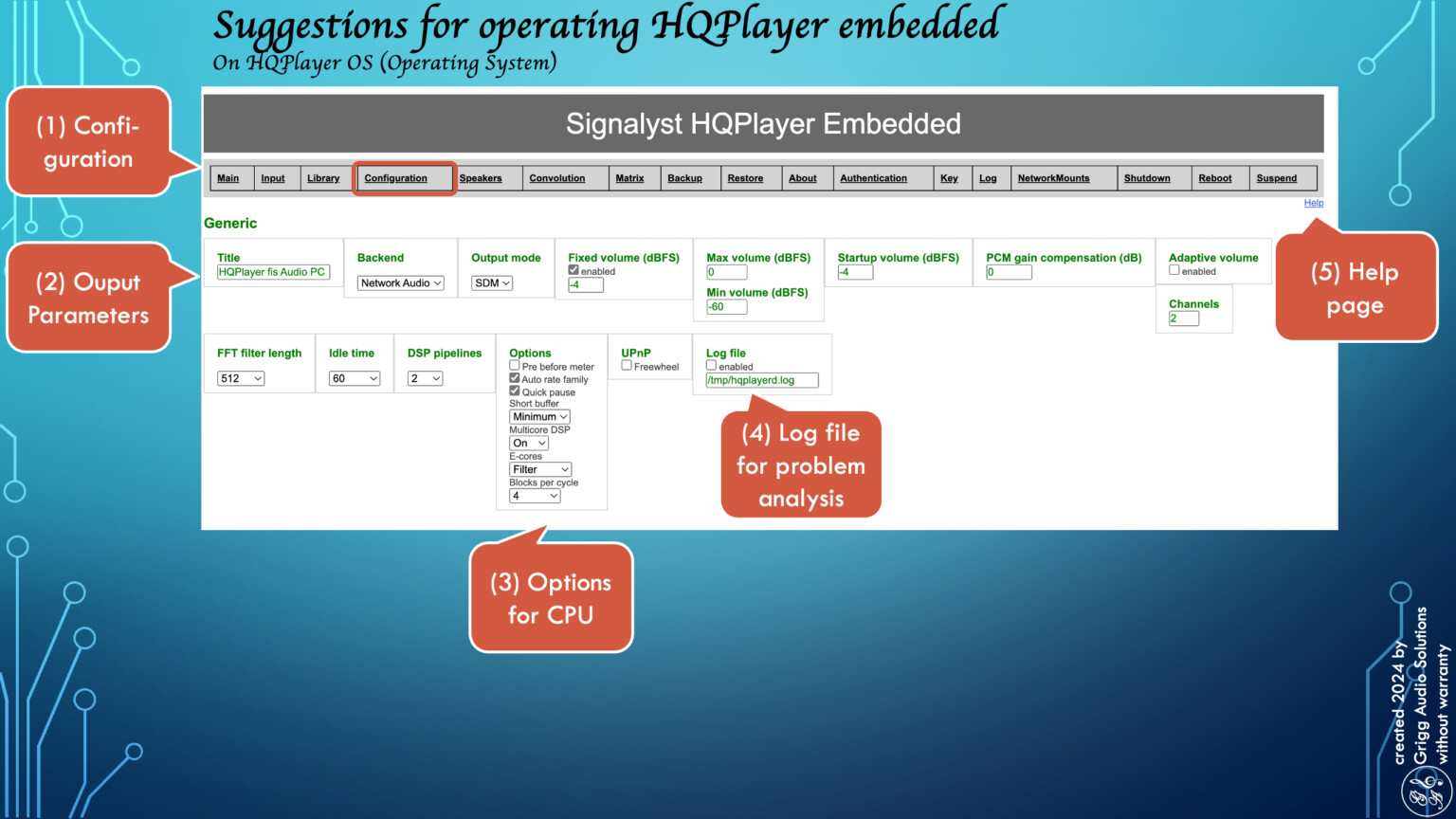
HQ Player is now playing. I made one mistake. Under the tab „Backend“ I have to choose „Network audio „. This because K21 an K40 are communicating about the network. And now a great „Thank you“ to all of you who helped me with your comments.
Good night from Europe.
Kind regards
Kurt
Since it’s now clear that your problem wasn’t caused by Antipodes, the best place to get HQPlayer assistance is on Audiophile Style in the HQPlayer forum. If this is already driving you crazy odds you should prepare yourself for a few more hassles before music gets playing. HQPlayer is a complicated product.