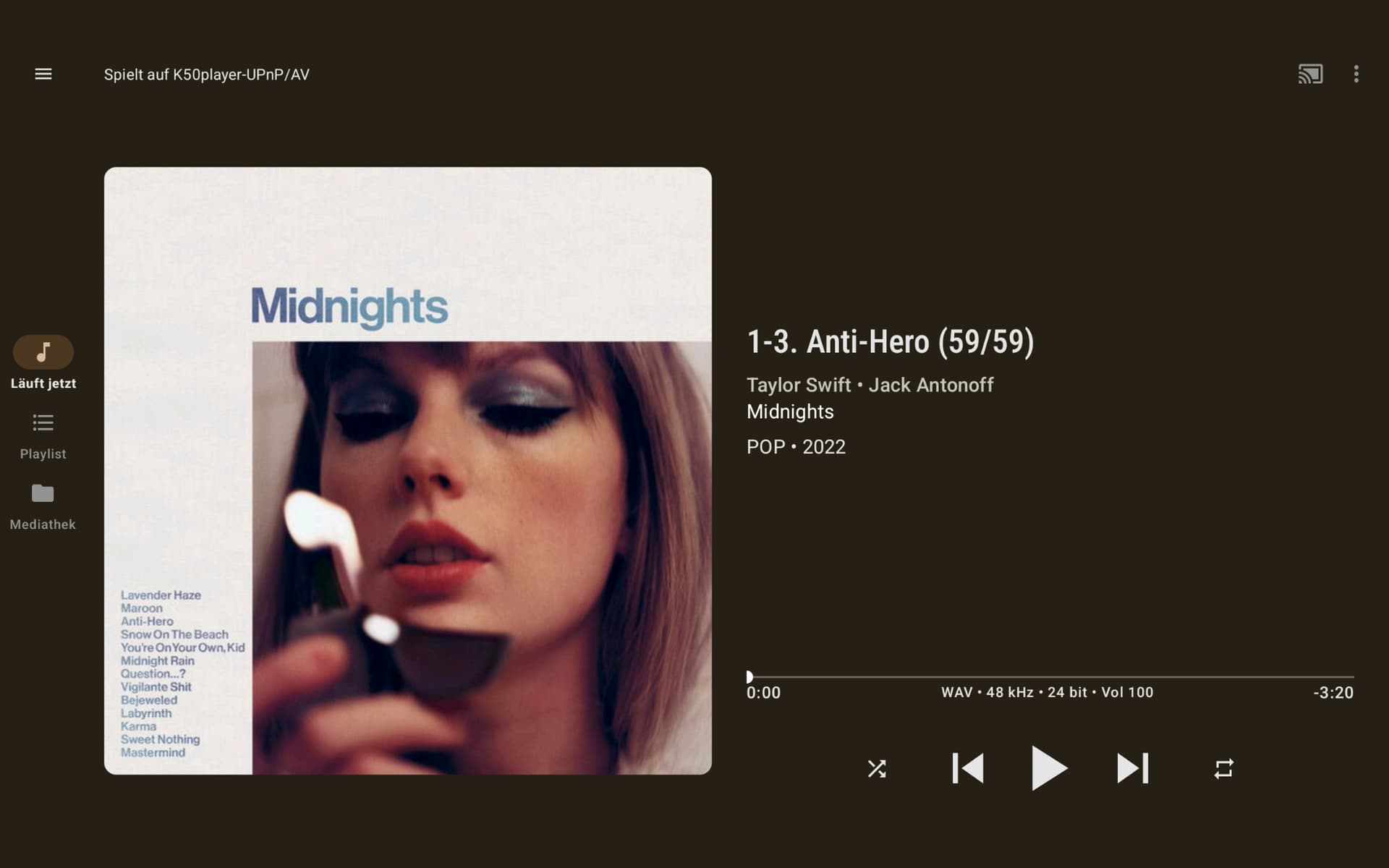
Hi Harry, I think I understand what you mean now. For the past few days, I’ve been comparing the sound of the Minimserver/MPD combination with the Bubble UPnP controller versus Squeeze/Squeeze. The first combination I mentioned sounds really good. It just sounds different from Squeeze/Squeeze, but very similar nonetheless. I find Minimserver/MPD sounds more cohesive and focused, which I prefer. Squeeze/Squeeze sounds more open and free. That’s perfectly fine too. Does Squeeze/Squeeze sound better than my current Minimserver/MPD/Bubble UPnP combination? I can’t say for sure. I’ll stick with Minimserver/MPD for now. I can’t say how much of an impact Bubble UPnP has on the sound as a controller. It also has several settings. I think my current settings are fine. Many of the settings are unfamiliar to me; I’m not very knowledgeable about them. As for the player, you could select the one shown in the screenshot, and you could also select the K50Player. When I select the K50Player, it says the track will be output in 32-bit. This applies to every track. I have selected K50Player UPnP/AV. This ensures the correct sample rate/bit rate is always displayed and output.
My room needs a DSP with convolution: I’m trying the MinimServer+MPD combination (MinimServer with full license and with MinimStreamer). I like it very much: I agree with Christian. Unfortunately the convolution does not work with Qobuz but only for local files!
I’m currently experiencing a difference in sound quality depending on whether I’m controlling the K50 via my phone or tablet. I’ve never noticed this before, or perhaps I’ve never really paid attention to it. I’ve compared it using Squeeze/Squeeze via the Chrome browser as well as Minimserver/MPD via BubbleUPnP. All apps are configured identically. My phone and tablet are on the same network as the K50. Controlled via the tablet, the music sounds more refined and open. Controlled via the phone, it sounds more closed, narrower, perhaps a bit more intense (though that’s not quite the right word). But there’s a clear difference in sound. My phone is a Google Pixel 7 / Google Pixel Tablet. I haven’t yet compared it using a Windows computer. Could you also test and compare the sound? Is my observation accurate? Could it be due to increased network noise from the phone or something similar?
Very strange considering they’re controllers that send and receive commands from the server.
The audio stream isn’t affected, so no impact should be noticeable.
It could be your devices’ network usage that’s creating noise.
I use mpd/minimserver with jplay, and the quality seems really good.
Bubbleupnp should work the same way. I haven’t tried it with Windows.
Nick
Some folks actually go quite far with this. A few even hardwire a tablet with Ethernet, while others simply press play and then switch the device to airplane mode or at least close the tab/control app so it stops talking to the network while the music keeps going. JPLAY’s whole idea is along the same lines, by reducing update time it cuts the traffic between the app and the player down to almost nothing to keep network noise as low as possible., so in your situation maybe it could be audible.
If you want to compare your phone and tablet properly, keep only one of them connected to Wi-Fi at a time. Start playback with the first device, disconnect it from Wi-Fi once the music is running, and just listen for a bit. Then repeat the same process with the other device. Keeping the unused one disconnected is important, because even when it is not actively controlling playback it can still be sending little bursts of network traffic in the background.
Then you’re maybe at the point where you can start exploring control points more seriously. Whether that’s good news or bad news 
Yes, that seems very strange to me.
What you could try is turning off the Wi-Fi on the controller in question after starting a stream (see Paul’s reaction).
Maybe it’s the radiation from the controller.
Let us know if you notice any difference.
Update:
I think it really does make a difference if you turn off Bluetooth and Wi-Fi. 
Quite easy to give it a try.
Better connect the streamer via ethernet
Yes of course keep the streamer hardwired.
But the controller uses in most cases wifi.
Thank you so much for your feedback so far. I’ve already tried some of the things described above, but they need another test/attempt. I think Harry just tested it too and can confirm my observations (his emoji said it all 
 ). So I’d still be grateful if you could just test it as well. Without disabling Wi-Fi, closing the app, etc. Just switching back and forth between my phone and tablet. I find the difference in sound enormous. Wow. What a bummer, I wouldn’t have thought that. I’ve already spent so much money on network cleanup, and such a small test makes a huge difference because of slight or slightly increased network noise?! What a bummer…
A likely culprit is that apps track the progress of playback with the progress bar. Closing the app should stop this but if it doesn’t then of course there is something else at play. Killing the control app and/or turning off WiFi should most certainly be part of any assessment of what’s going on.
I have regular switched between iPad/iPhone/Apple Watch when doing A/B testing. The baseline has shown zero evidence of changing as the result of switching devices. I think it’s fair to say that I’ve blind tested this as device selection has been entirely random in that I reached for the device that made the most sense in that moment. All my comparisons were with Squeeze controlled by browser with the exception of launching iPeng on my iPhone just so I could control playback with the iPeng app on my Watch.
iPeng playback differs from using a browser to control Squeeze on Apple’s mobile devices in that iPeng is treated as a music app so it is given higher multitasking priority. That allows the lock screen to show progress. I thought this had the potential to harm sound quality but I was never able to detect a difference after terminating it.
A random thought on this. Mobile devices can cause WiFi go into a power savings mode. In this mode, the device periodically turns off its Wi-Fi receiver to conserve battery. The device then wakes up only when it expects relevant traffic. It has seemed to me that all Apple devices powered by battery handle this similarly. I observed this when trying to optimize the DTIM interval on my router. This is my long winded way of saying that some of the differences others perceived may have to do with their devices engaging power savings mode differently.
@Christian You don’t say how your K50 is connected to your network. My Antipodes is Ethernet cable connected to my network. I exclusively use Squeeze + Squeeze and admit I have not noticed any difference in sound quality when controlled by my iPhone or iPad. However I usually select the music I want to play then let my iPhone or iPad go to sleep.
The standard Ethernet cable from the repeater to the first Muon Pro filter is now a ViaBlue. The repeater is powered by an Origin power supply from Network Acoustics. So, all my devices are currently connected via the repeater. The repeater is connected to the Fritz!Box Wi-Fi router via Wi-Fi mesh. I’ve shared this picture several times before, thinking it wasn’t necessary anymore. But it’s been a while… I still need to test the airplane mode issue. But I seem to recall that even after completely switching off my phone after controlling the device, the sound was still significantly different compared to the tablet. It was as if different commands were being transmitted via the phone, influencing the sound. My screenshot still needs approval before it will be displayed.
But it’s crazy what a difference that makes in sound. Can you believe me, it sounds completely different.
You have proven yourself to be trustworthy as far as the listening impressions you’ve shared. So even though this sounds like one of the most unbelievable things I’ve heard anyone report, I’m inclined to believe you. I just hope that maybe you might be able to get to the root cause, as great learning opportunity might come from that.
Jumping back to this:
Have you had a chance yet to hear how Windows compares? I wonder if what you hear from Windows will match what you hear on one of the other two devices.
@Christian I think the most logical next step is to use a laptop/desktop connected by ethernet as a controller, and shut down all sources of wifi- see how that compares.
I suppose nothing can be done about this wifi though?
Wow, I’m exhausted. I’m completely wiped out from all the testing  . So, to summarize briefly, airplane mode shouldn’t be underestimated; it does make a difference, but it’s not a game-changer. The tests and sound differences apply to both server/player combinations and yielded identical results. Tested with Squeeze/Squeeze and Minimserver/MPD/Bubble UPnP. I tested with the airplane mode on each device (which didn’t take control), as well as with the device simply switched off. I also tested with both devices in airplane mode or switched off. Of course, I’m talking about smartphones and/or tablets. The sound was never consistent. The music sounded more open and liberated through the tablet (smartphone in airplane mode or switched off, and I also tried switching the tablet off, but the sound remained consistent). Controlled by the smartphone, the music sounded more cohesive, fuller, and slightly softer. The tablet was either in airplane mode or switched off, and I also switched off the smartphone afterward. Airplane mode and turning the device off also made a difference, but I’d say it was marginal. I also tested it with my Windows laptop via Wi-Fi, and the sound was different when controlled this way (my smartphone and tablet were switched off). I wanted to test more with BubbleUPnP and completely close the app, but that doesn’t work; the music stops via UPnP. I haven’t found any settings to resume playback once the app is closed. The current song finishes playing, but it doesn’t continue with the next song in the playlist. I can’t explain the various sound differences, but they are there.
Did you use do this via a browser or via an app? Running via a browser should have no influence over the sound from devices. The UI isn’t in control as HTTP/HTTPS is stateless. Squeeze server responds to requests in the same way a banking app would. Request is sent and then replies come back. The song that’s playing continues to play when the browser is terminated as Squeeze servers need to be sent the request for it to stop for the track to stop. The Squeeze UI running in an active browser tab will behave exactly the same way regardless of device or browser. On mobile devices, power savings could kick in and the tab might be allowed to go to sleep.
This is my long winded way of saying that if one hears differences when “controlling” Squeeze via the browser on different devices, the cause is most likely not the Squeeze UI itself. Something else running on that device might be the culprit. Like maybe the device blasts multicast when it’s being used. An iOS device will broadcast over Bluetooth that it’s available for AirDrop, for example. That shouldn’t degrade sound quality but I mention it as maybe Google broadcasts something over WiFi instead when the device is being used, but then pauses it when it’s not being used.
Thank you for the detailed feedback. There are many points that need clarification. You’ve certainly given me some homework to do over the weekend. I always control Squeeze via the Chrome browser on all devices; I’m not even aware of any other options. The interesting thing is that I’m making the same sonic observations with BubbleUPnP. And Bubble is an app. Perhaps one more small point, and then I’ll address the rest of your message. For example (regardless of the server/player combination I use), if I initially control the music via my smartphone, I feel that sounds the best, most harmonious, etc. If I start with my tablet or Windows laptop, the music is more appealing, a bit more direct, and then I switch off all devices—laptop, smartphone, tablet—the sound doesn’t return to what I achieved initially with the smartphone.
This is the normal behavior of a UPnP/DLNA controller.
To overcome this, you need to install the BubbleUPnPServer program on your network: it creates an OpenHome renderer on your network. Be careful, despite the name, it’s not a media server!
OpenHome extensions allow the playback of the entire playlist even with the controller turned off.
You have to be a little “geek”… (!!!): but if you need… I’m here… with my “rookie” English (and with Google Translator!)