Hi antipodes community,
I would like to run my K50 as a Roon server and NAA HQPlayer with the HQPlayer5Desktop app running on my MacBook Pro M1 Max. However, I’m unable to make it work. If possible, could you please share the required settings to make it work?
Below are my current software and settings information:
Software:
- K50 vesion AMSv5.0.1
- HQPlayer 5 Desktop version 5.17.1 (registered version)
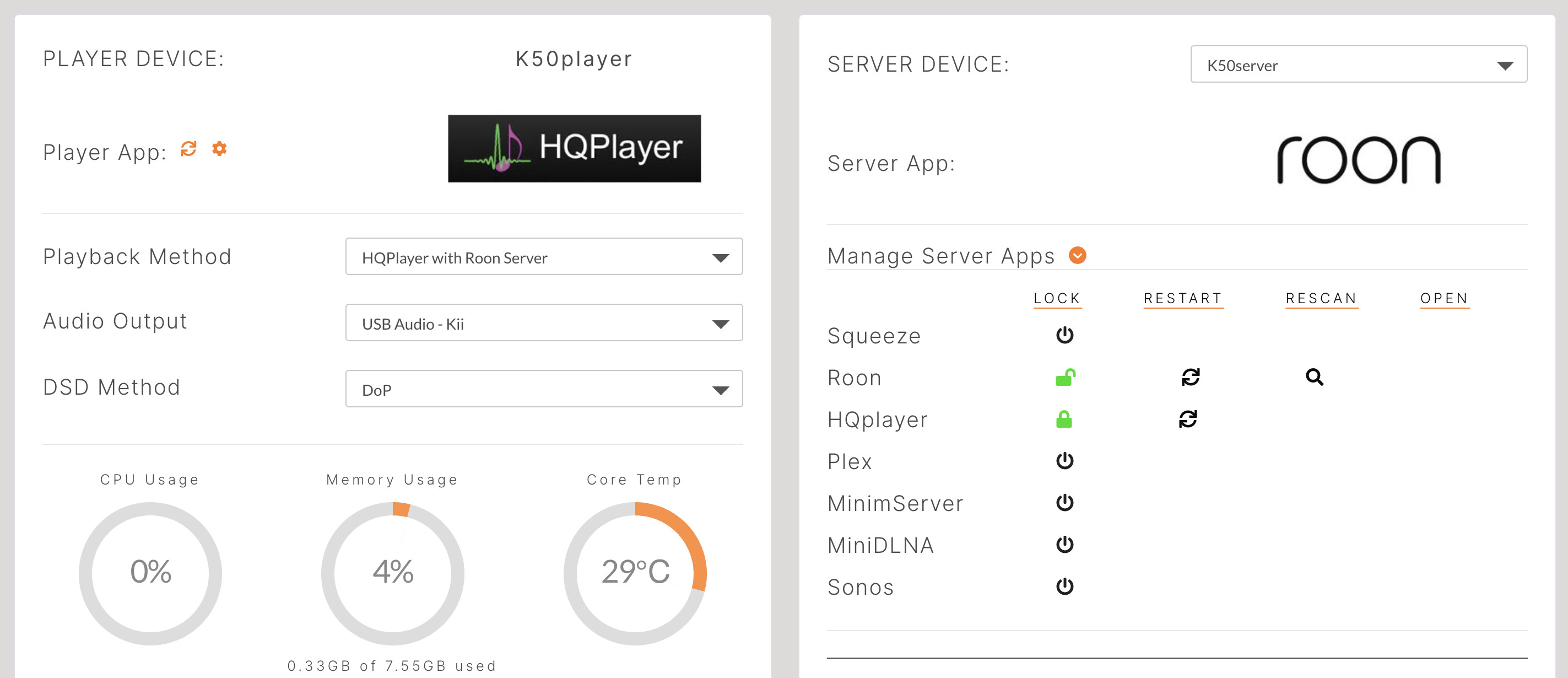
K50 Solution Dashboard settings:
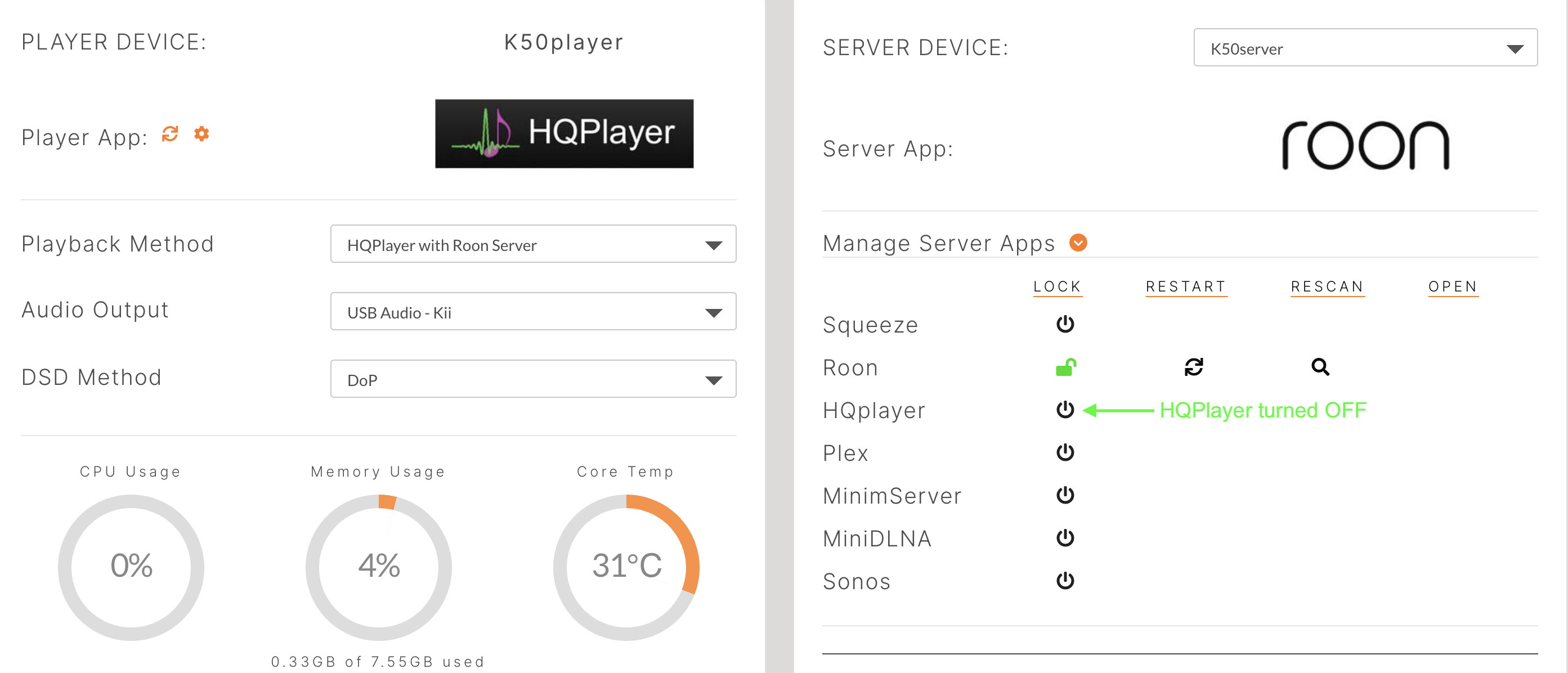
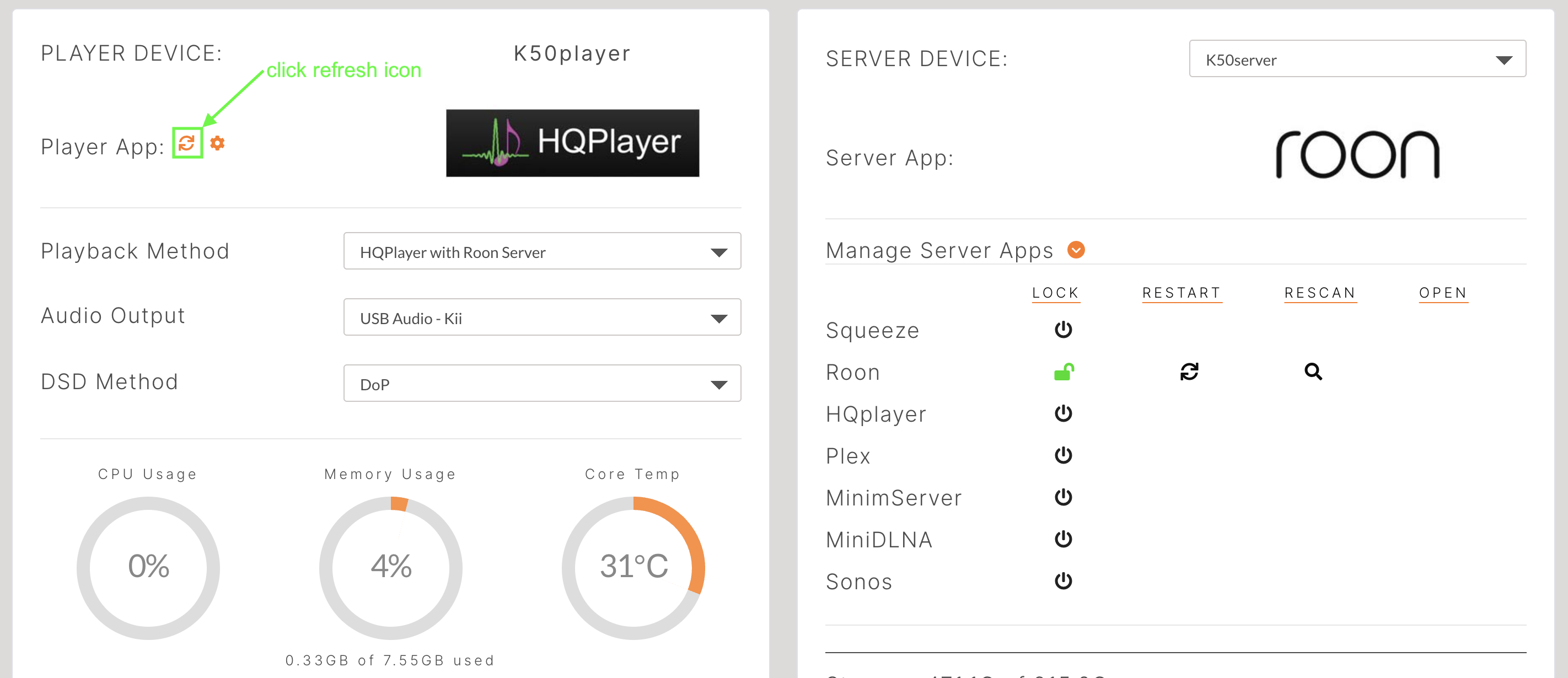
Server App → Roon
Player App → HQPlayer with Roon Server
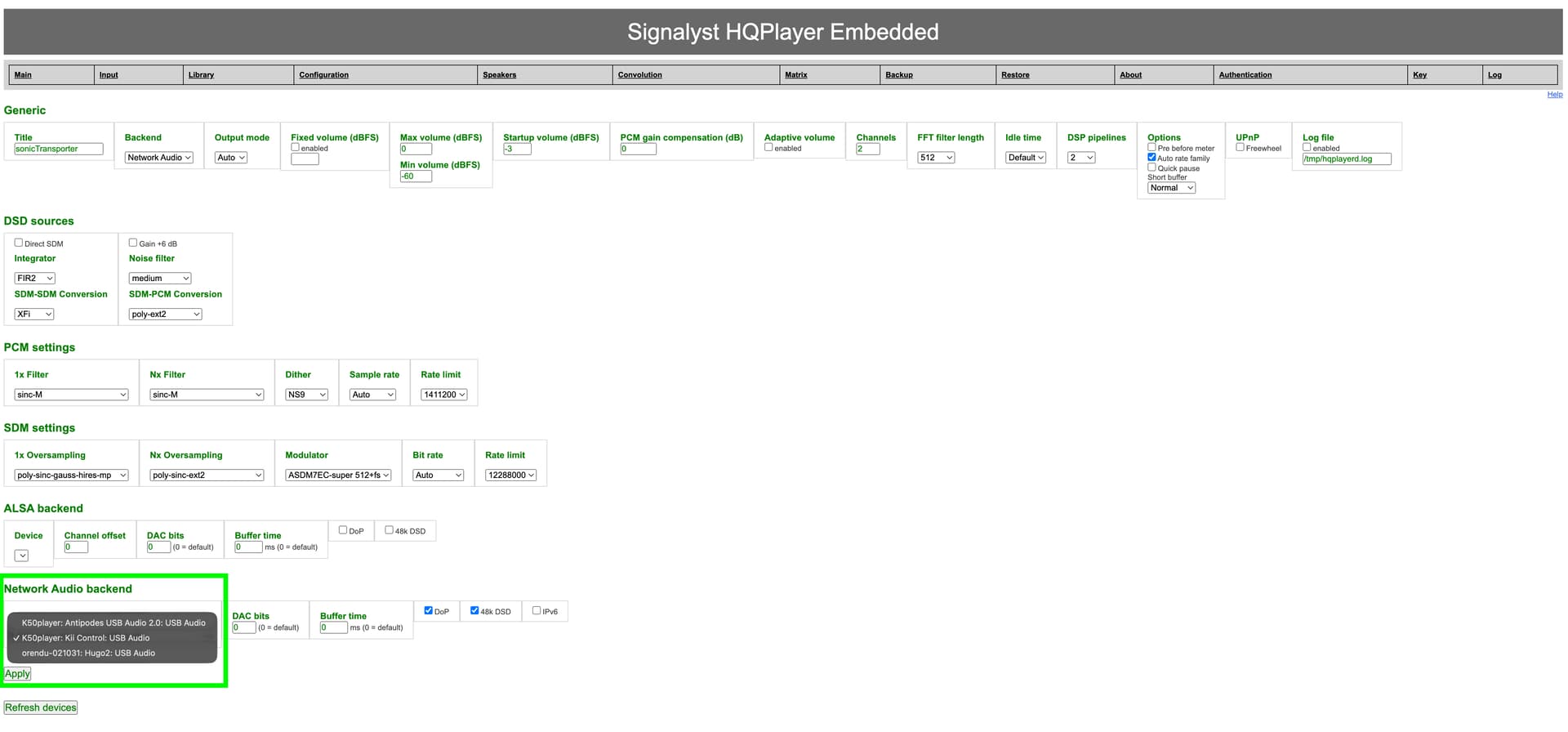
Player App → HQPlayer settings:
Network Audio backend (at the bottom) → Device → K50player: Kii Control: USB Audio selected
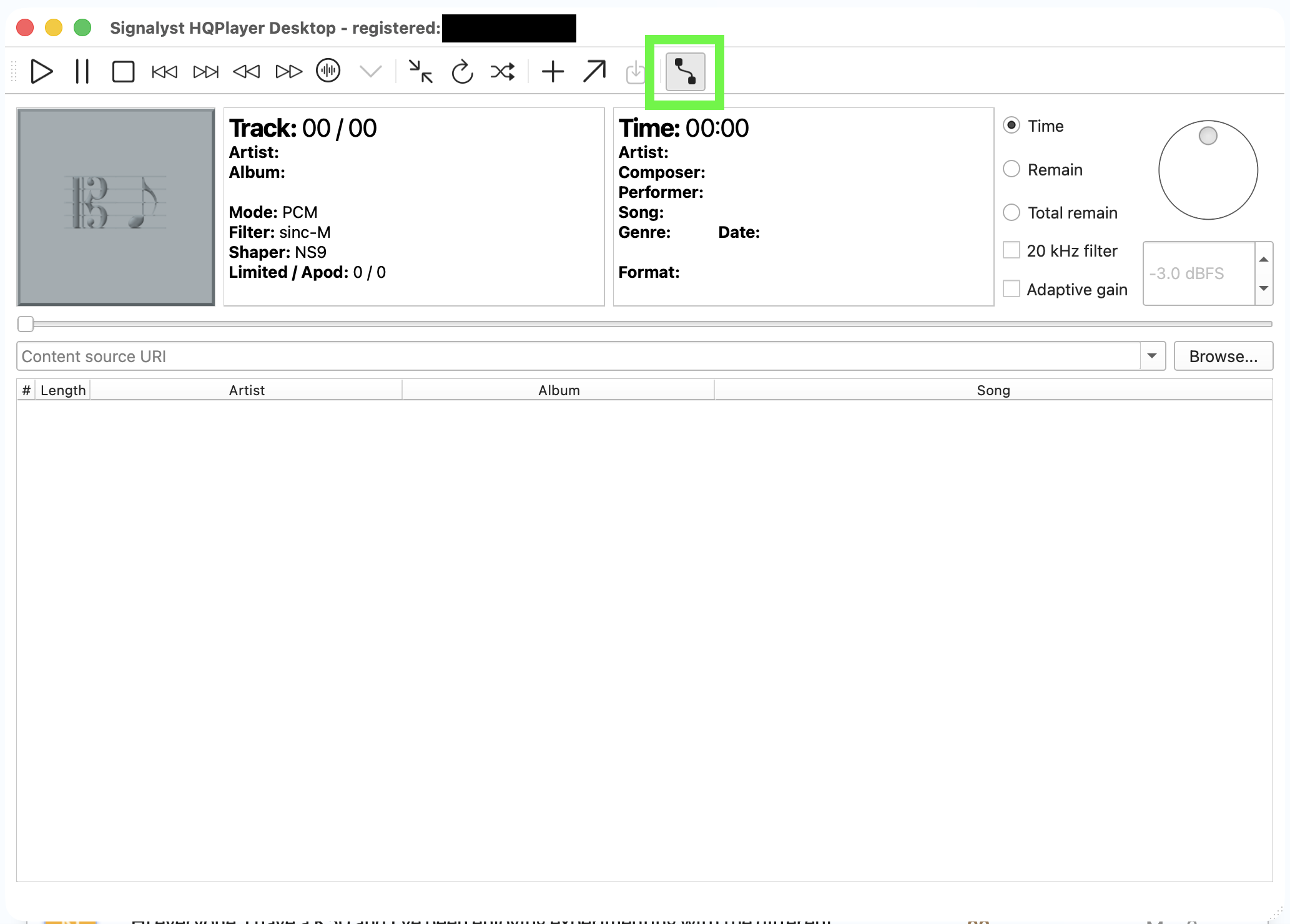
HQPlayer 5 Desktop settings:
network control turned on
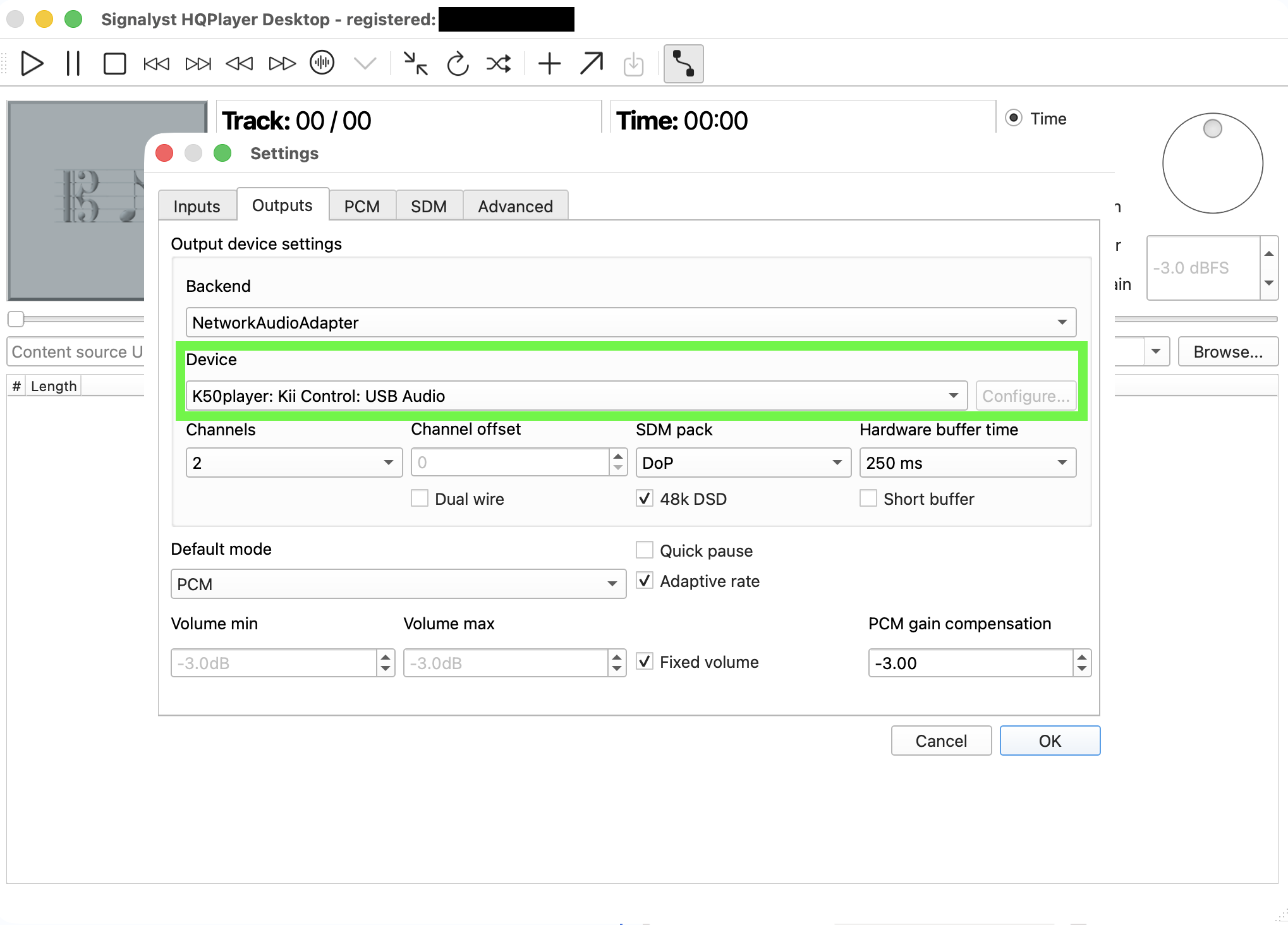
HQPlayer 5 Desktop Preferences settings - under - Outputs:
Backend → NetworkAudioAdapter
Device → only the orendu-021031: Hugo2: USB Audio is popping up, but not the K50player: Kii Control: USB Audio selected previously in the K50 Solution Dashboard Player App → HQPlayer settings.
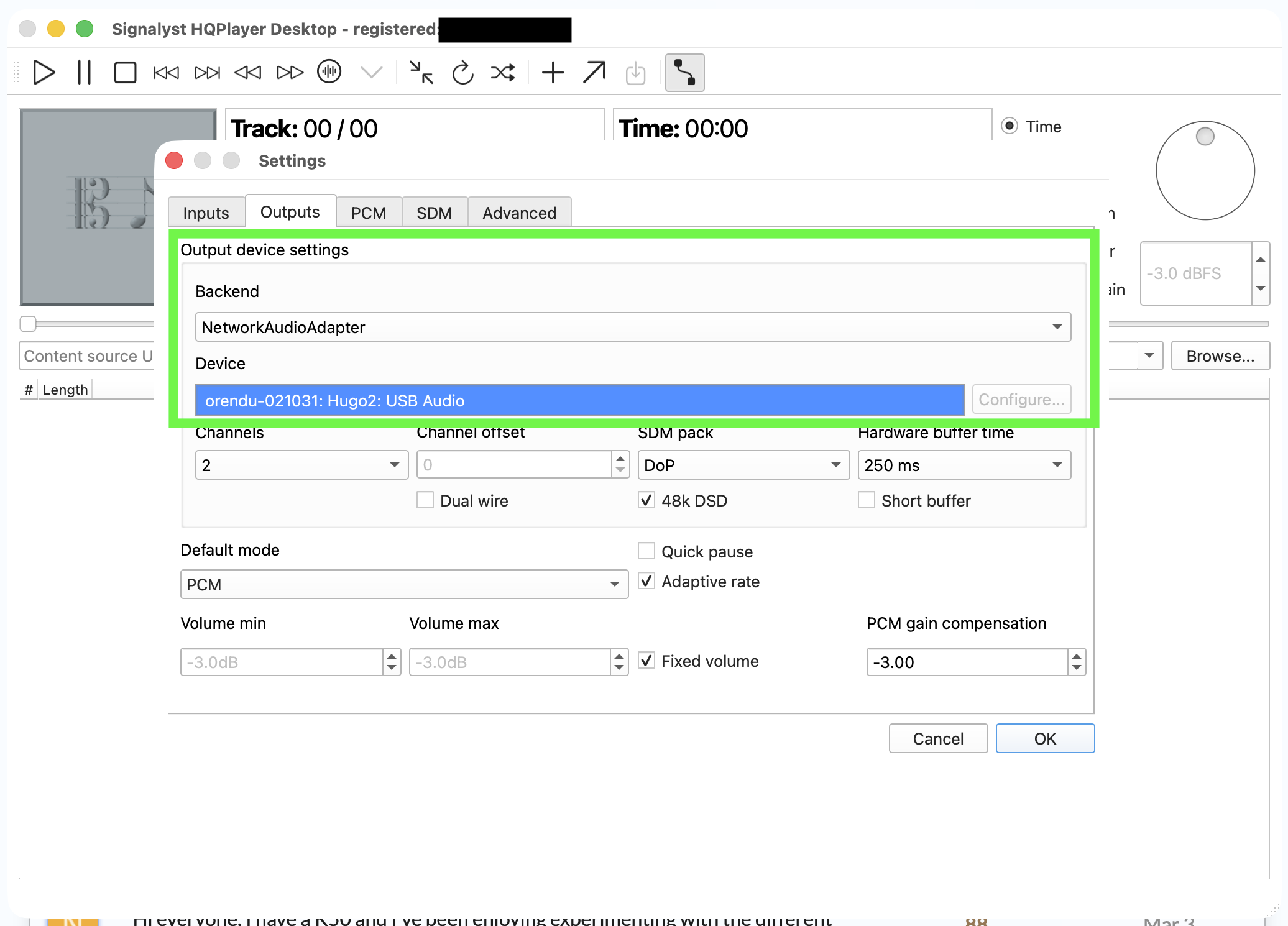
Even if I switch the Sonore opticalRendu back to RoonReady, the K50player: Kii Control: USB Audio will not appear in the HQPlayer 5 Desktop → Outputs → Device settings.
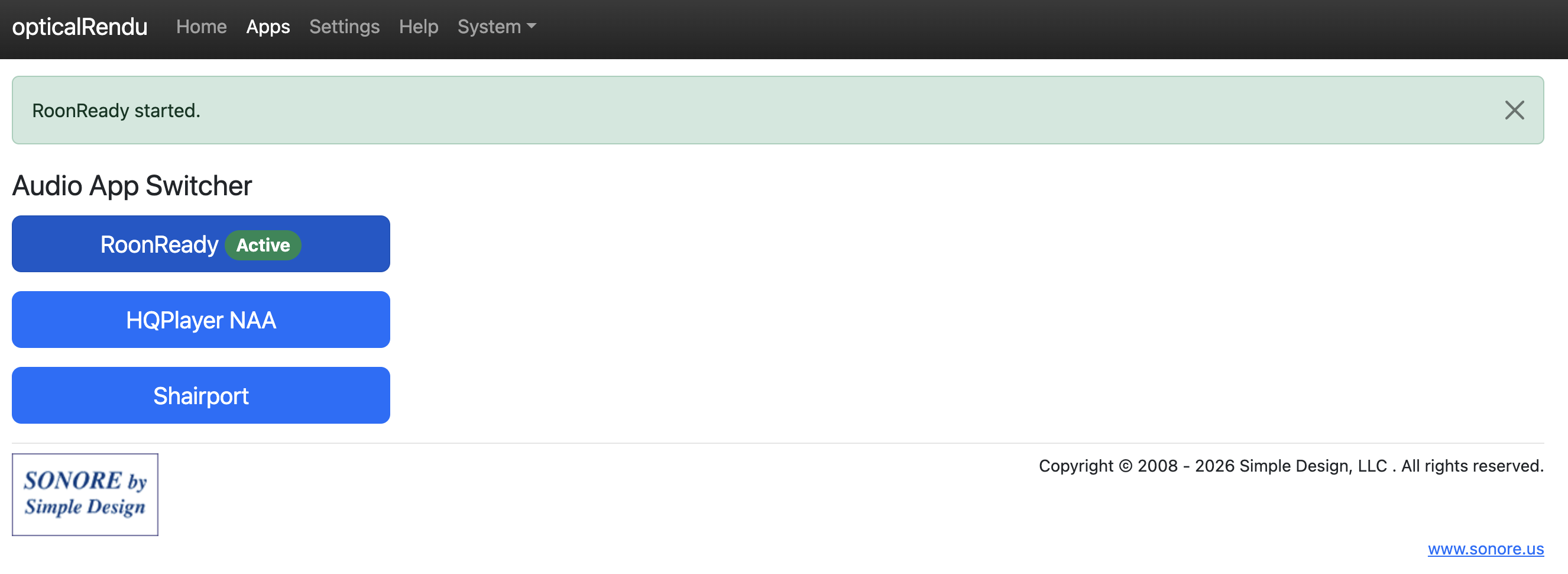
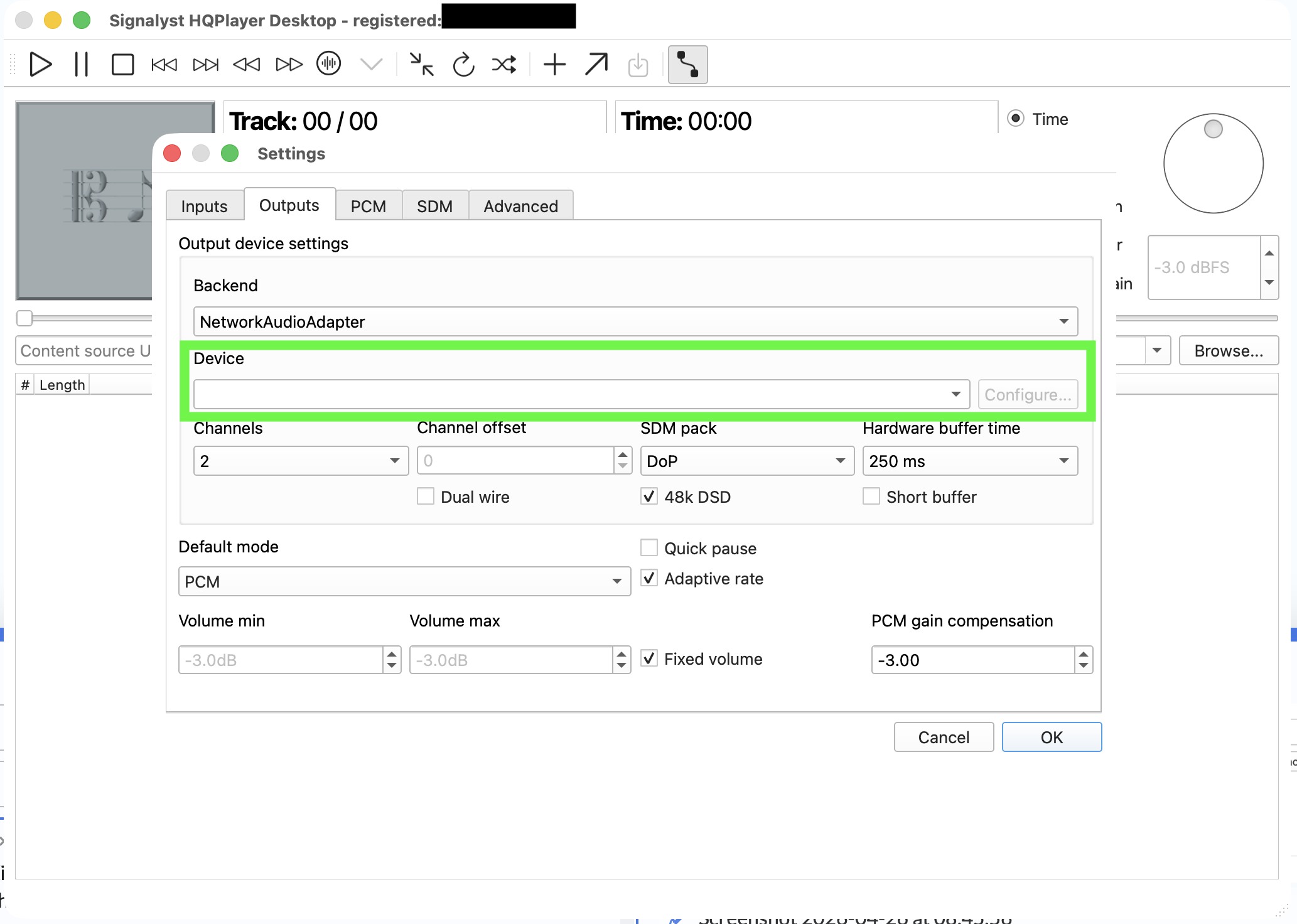
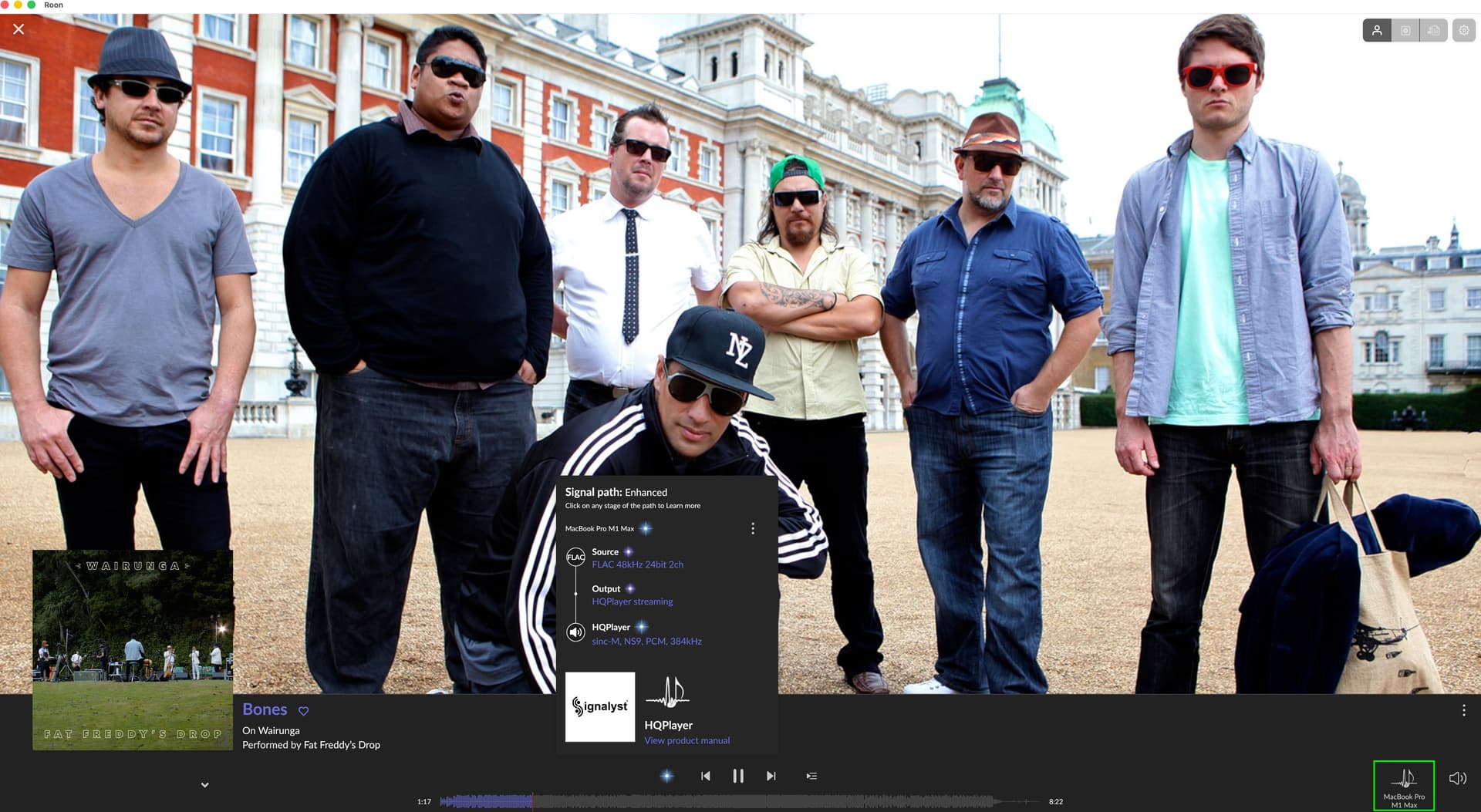
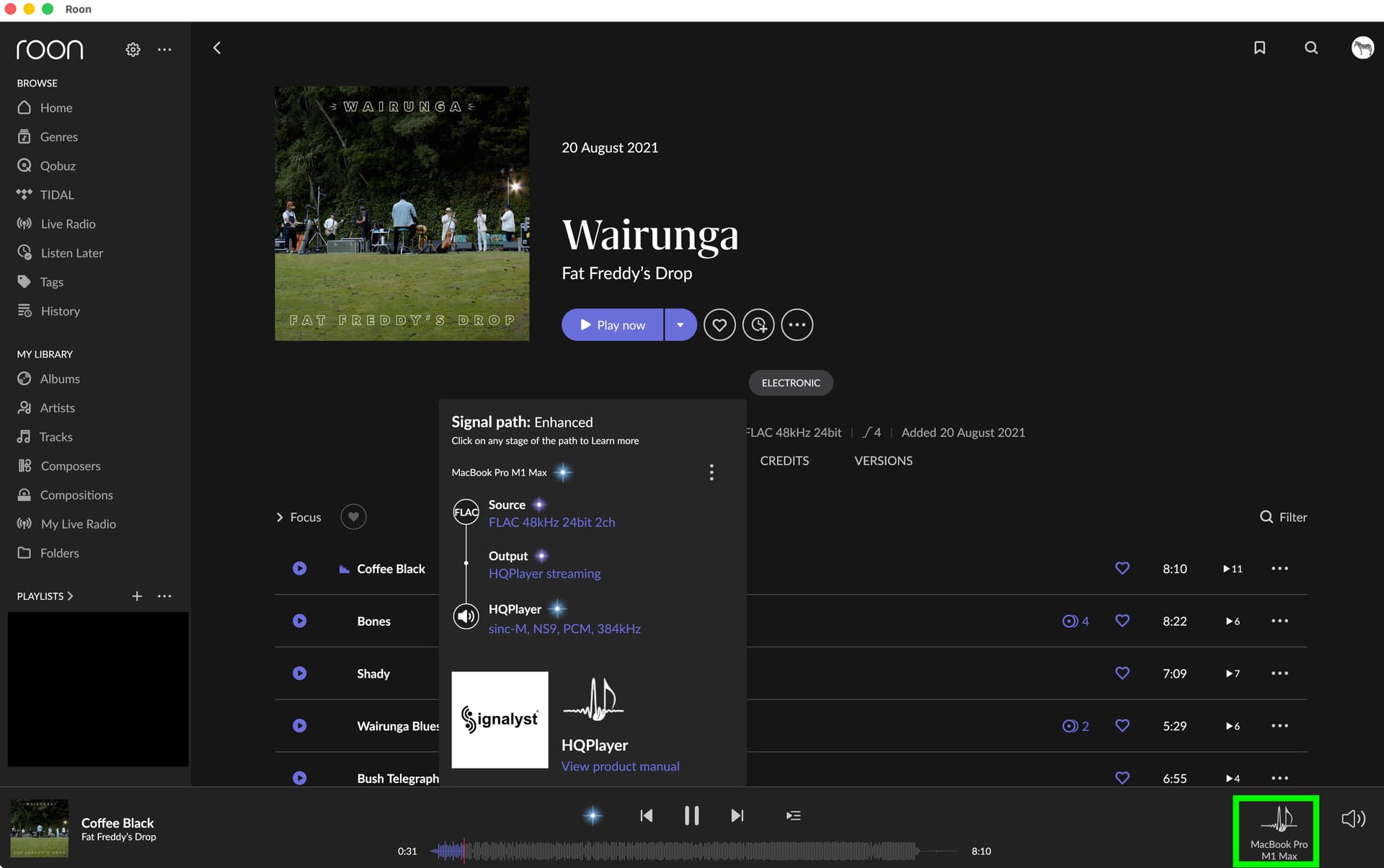
The NAA HQPlayer on the Sonore opticalRendu through Roon and HQPlayer 5 Desktop on the MacBook Pro M1 Max is working:
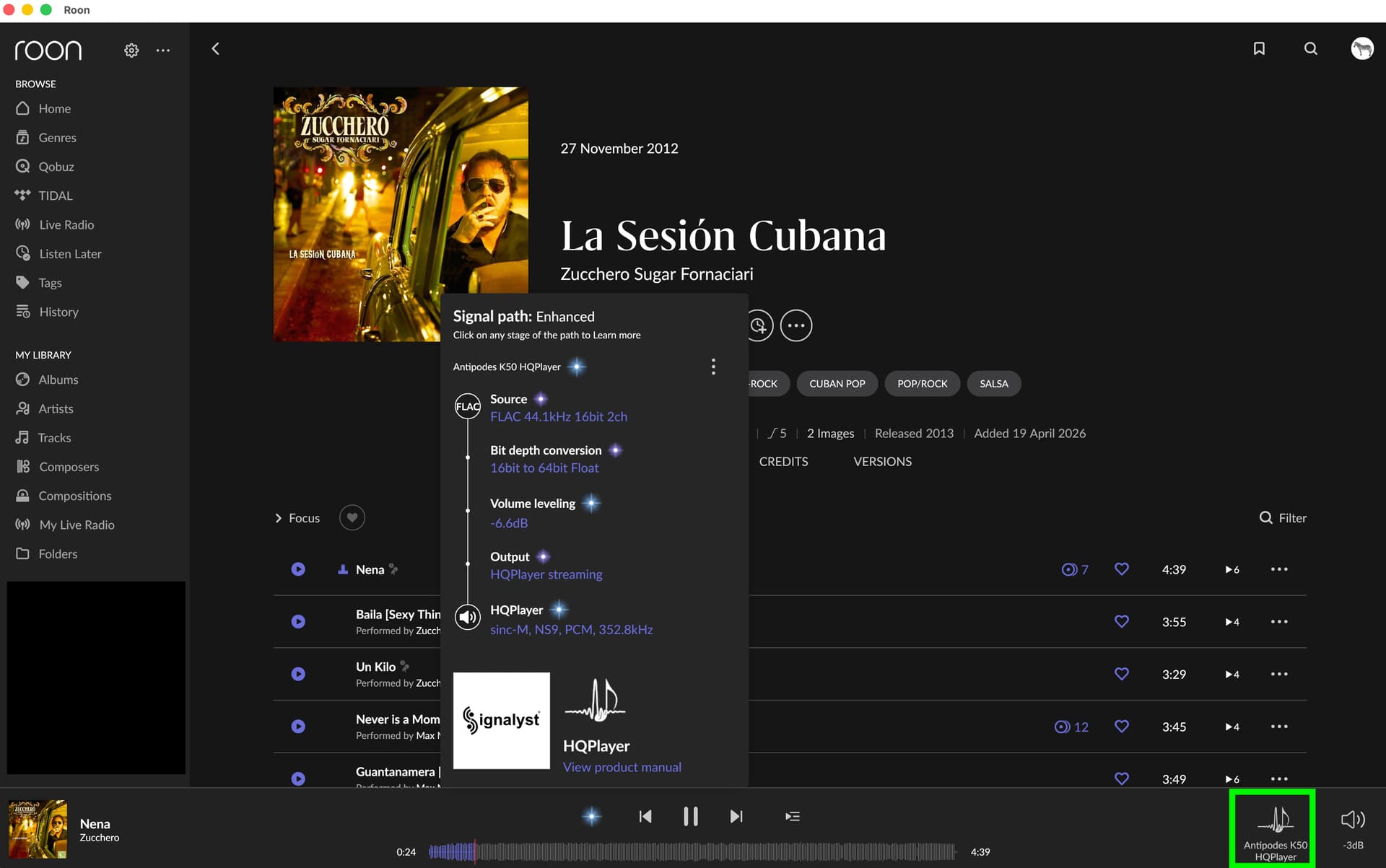
The HQPlayer Embedded (trial version) is also working, but I would like to run the heavy processing from the Mac.
Any help to resolve the NAA HQPlayer setup issue would be much appreciated.
Cheers and thank you from Down Under,
Andreas