Hi,
I use squeeze (lms) for playback and only stream from Qobuz. The last few days playback of Qobuz favorite albums has been acting up. If I choose to play a record from my favorites in Qobuz some tracks on that record does not play. For instance, track 3 will not play after track 2, and I cannot skip to the next track(4) using skip icon. If I choose track 4 in the queue it will play that track and continue through the queue. Track 3 will not play however I try.
If I use my Qobuz app om my phone track 3 plays faultlessly.
Update. Had the same problem when using Qobuz connect from my Qobuz phone app to our Ruark610. Qobuz ai-chat means this is restrictions from the right holders. So probably not a squeeze lms issue.
Yes, issues. I thought it was Roon but since using SQueeze have found similar issues: tracks stopping, tracks not loading, and over the last few days playlists have disappeared, a few reboots did nothing, and then the playlists appear again. Since I also noticed it happening on a Wattson streamer app a few times I assume it must be Qobuz. Iranians hacking?
same issue here playing qobuz via squeeze/squeeze. When I play a full album the music stop after exact one or two tracks and can’t skip. No response if I hit the play button. I have to replay the full album, select the specific track to play and the music stops again after one or two tracks.
It appears that these Qobuz issues are not specific to Antipodes Audio devices or Squeeze.
There is/has been some internet instability recently.
Best practise to ensure the best streaming performance, your router’s DNS servers should be set to Cloudflare (1.1.1.1 and 1.0.0.1 ) or Google (8.8.8.8 and 8.8.4.4 ). If making the change, you need to reboot all your connected devices.
I have set Primary to 1.1.1.1 and Secondary to 8.8.8.8 since few years back and the playback issue still happens, guess we’ll wait for qobuz to fix this.
I have the same issues using Qobuz via Squeeze. If however I use the native Qobuz app via a cheap bluetooth streamer there is no problem. I can only assume the problem is with Sqeeze. Can any other software besides Sqeeze and Roon be used with an Antipodes streamer?
Using Jplay for the first time, hoping it would play Qobuz consistently, and already found a track that will not play- I have no idea why.
Can anyone else try this track from Qobuz and see if it will play on your system? I know this is a favourite group with @kennyb123
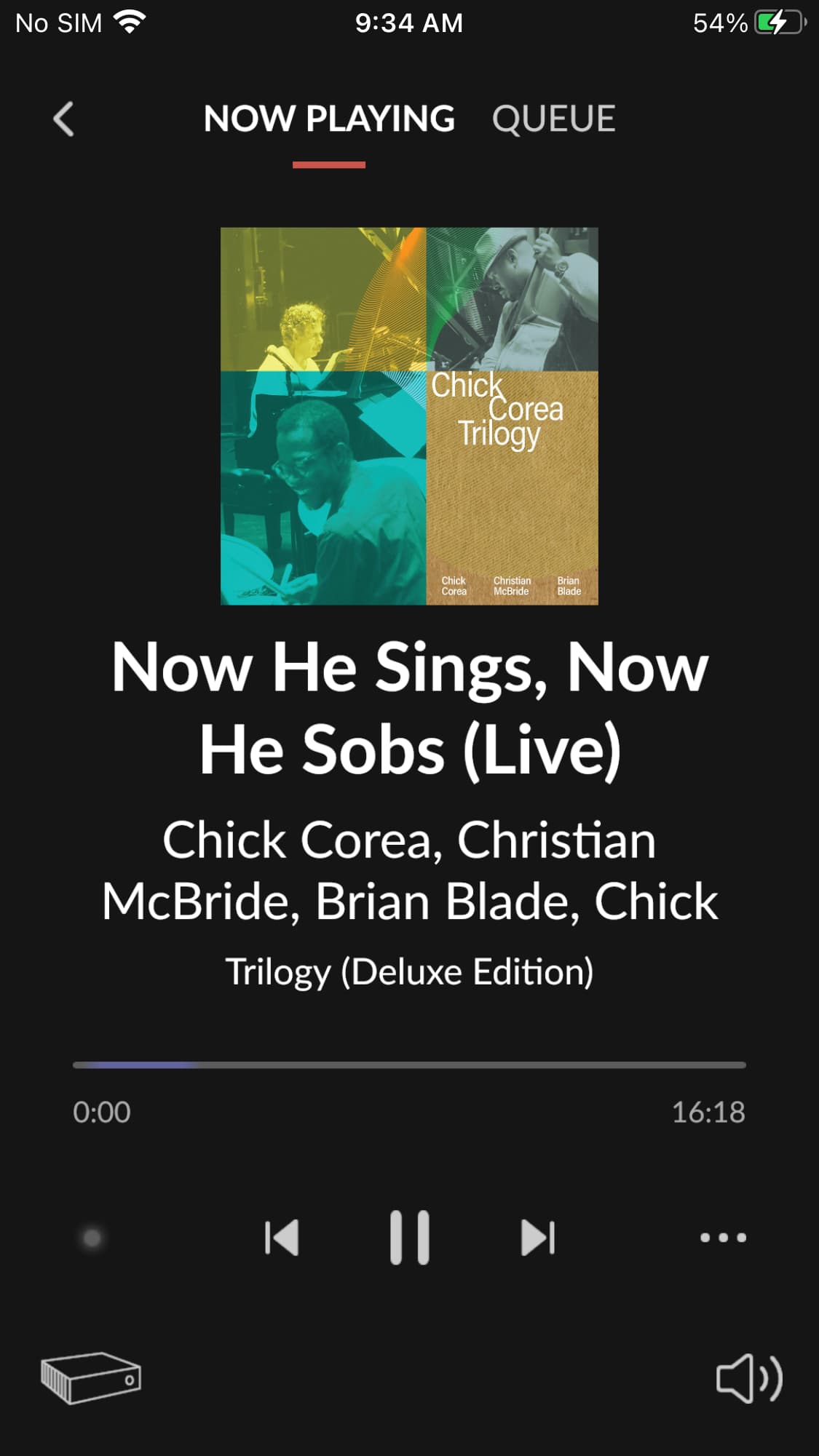
Chick Corea- Trilogy- Now he sings, now he Sobs
from this album shown below, not Trilogy 2 album or the title album.
This is what happens with Roon, the purple bar goes back and forth endlessly, it doesn’t play with Squeeze, or now Jplay either. At least with Jplay it realizes it doesn’t play and after a few seconds it skips to the next track in the playlist.
Every other track in the album is fine!
edit just found that I can play it on the laptop using Qobuz desktop version, however.
We have identified a technical issue affecting the availability of certain audio files on our API.
The problem specifically concerns files larger than 50MB. It results in a size mismatch error between the requested and received data, linked to a partial object caching issue.
Our technical team is currently investigating to identify the root cause and the scope of impacted files. We are working to resolve this as soon as possible.
Saturday morning I had been listening to music for just over 2 hours when a song I was streaming through Qobuz stopped playing. I was using MPD+Minimserver and jplay. When I tried to start the song again I got a „render“ error. Then I started getting render errors when I tried to play any song. I restarted the router, then restarted the K50 but to no avail. I deleted the jplay app and reinstalled it. Now I could see the K50 in the jplay library but it would not show up as an audio playback device. My only playback option was my iPad.
So I switched to Squeeze/Roon and that was working. But when I tried to stream that same song through Qobuz it would stop and lock up the Roon server. I had to go into the K50 dashboard and restart Roon.
I shut the system down and walked away. Several hours later I came back and wanted to play around with jplay again to try and get it working. But when I opened the jplay app it was working normally.
It seems to me Qobuz is causing the issue. Periodically, I find a song on Qobuz that will not play or stops playing after a minute or so. But this was the first time playing a song kept affecting my server.
Qobuz had some issues in April with the CDN (content delivery network) causing some songs to lock or stop playing.
Could be related.
Qobuz says:
Change the Audio Quality: Since every audio resolution is a separate file on the server, switching the track to a different quality (e.g., from 24-bit down to CD-quality 16-bit) will often force the app to pull a working, uncorrupted version.
Log Out & Back In: Fully log out of your Qobuz account and log back in to reset your connection and application authorization.
If the problem persists across multiple tracks or devices, it may indicate a broader regional server problem, which Qobuz frequently addresses by purging their CDN. In that case, you may want to submit a ticket via the Qobuz Help Center.
I logged out of Qobuz and logged back in. Had a 3 hour listening session streaming with just one issue. I found one song in a streaming album in my Library that would not play but when I did a search in Qobuz and played it from there it worked. The song the other day that locked up my server every time I tried to play it, played perfectly today.